If you’ve landed on this page, you’ve likely seen the following error message:
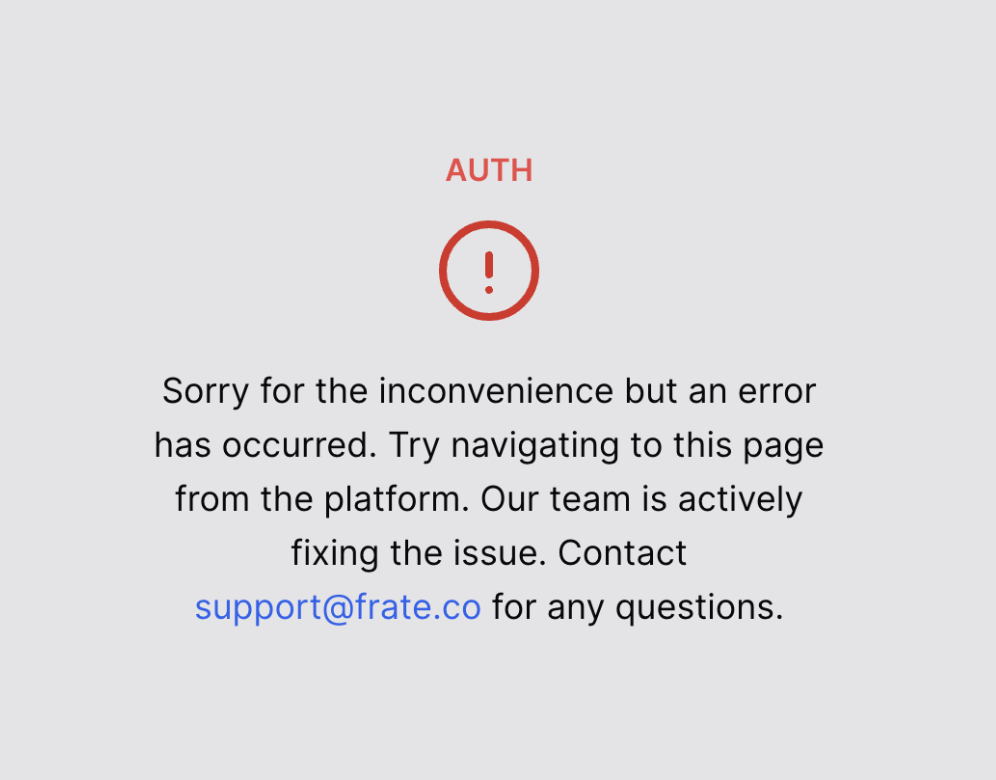
We totally get that this can be frustrating, but don’t worry - we’re here to help! This error usually pops up when your authentication token has expired, which just means Route and Shopify need a quick reconnection.
Steps to Fix the Authorization Error:
- Close the Page: Simply exit the error page.
-
Access Route Through Shopify:
- Open your Shopify Admin dashboard.
- Navigate to the Apps section.
- Click on Route Returns from the list of installed apps.
- Wait a Moment: The Route dashboard should load without any issues.
Why Does This Happen?
Tokens that keep your session secure sometimes expire for security reasons—it’s kind of like when your email logs you out after a while. Reopening Route from Shopify gives it the refresh it needs.
Still Having Trouble?
If you’re still getting the error after following these steps, our friendly support team is ready to jump in.
- Email: support@frate.com
-
Details to Include:
- A brief description of the issue
- The steps you’ve tried
- Any screenshots (if possible)