Route requires a Shopify integration to allow access to Shopify order data. Gorgias is required to be installed from within the Route app.
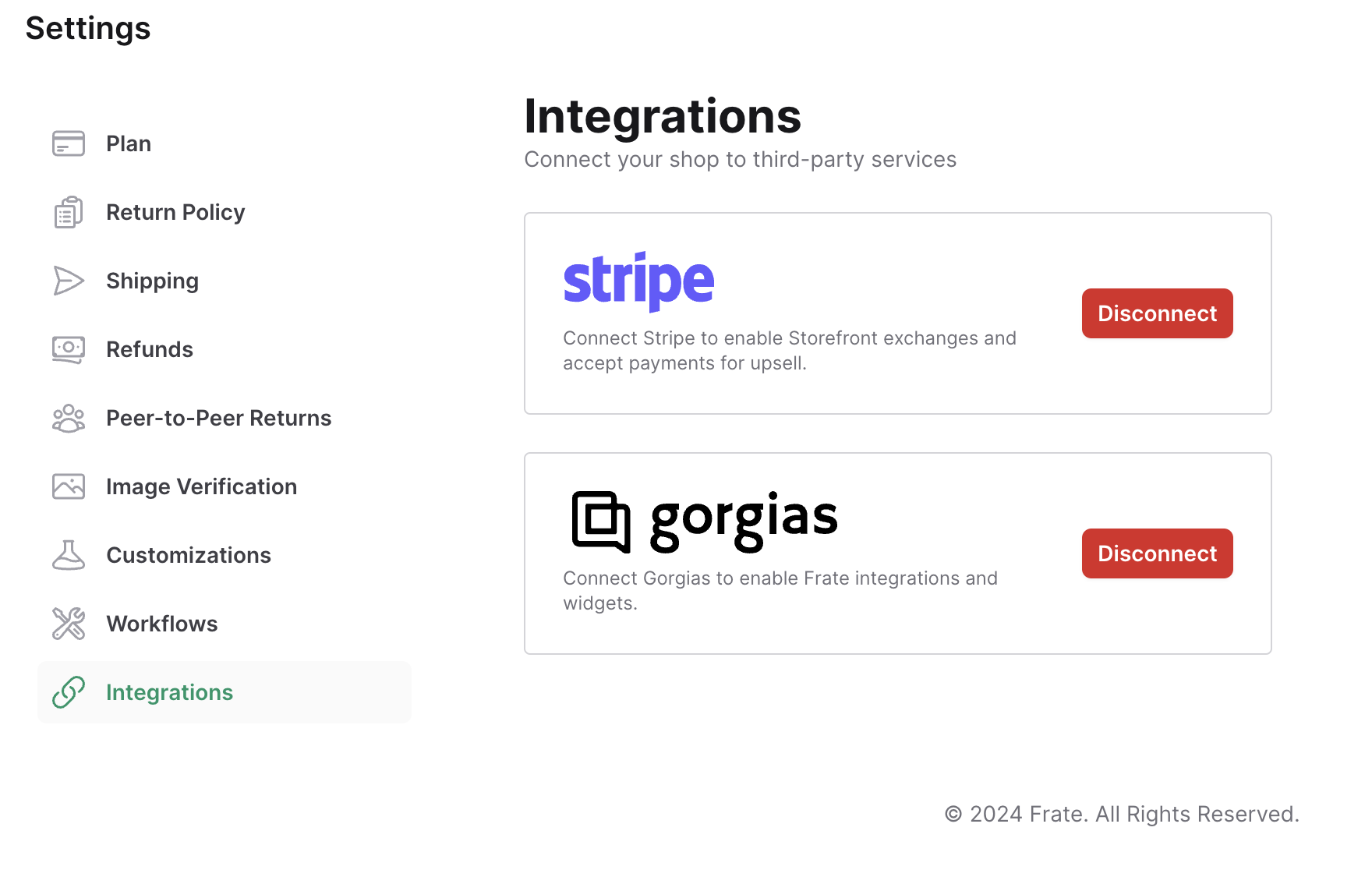
- Open the Route app from Shopify and navigate to Settings > Integrations.
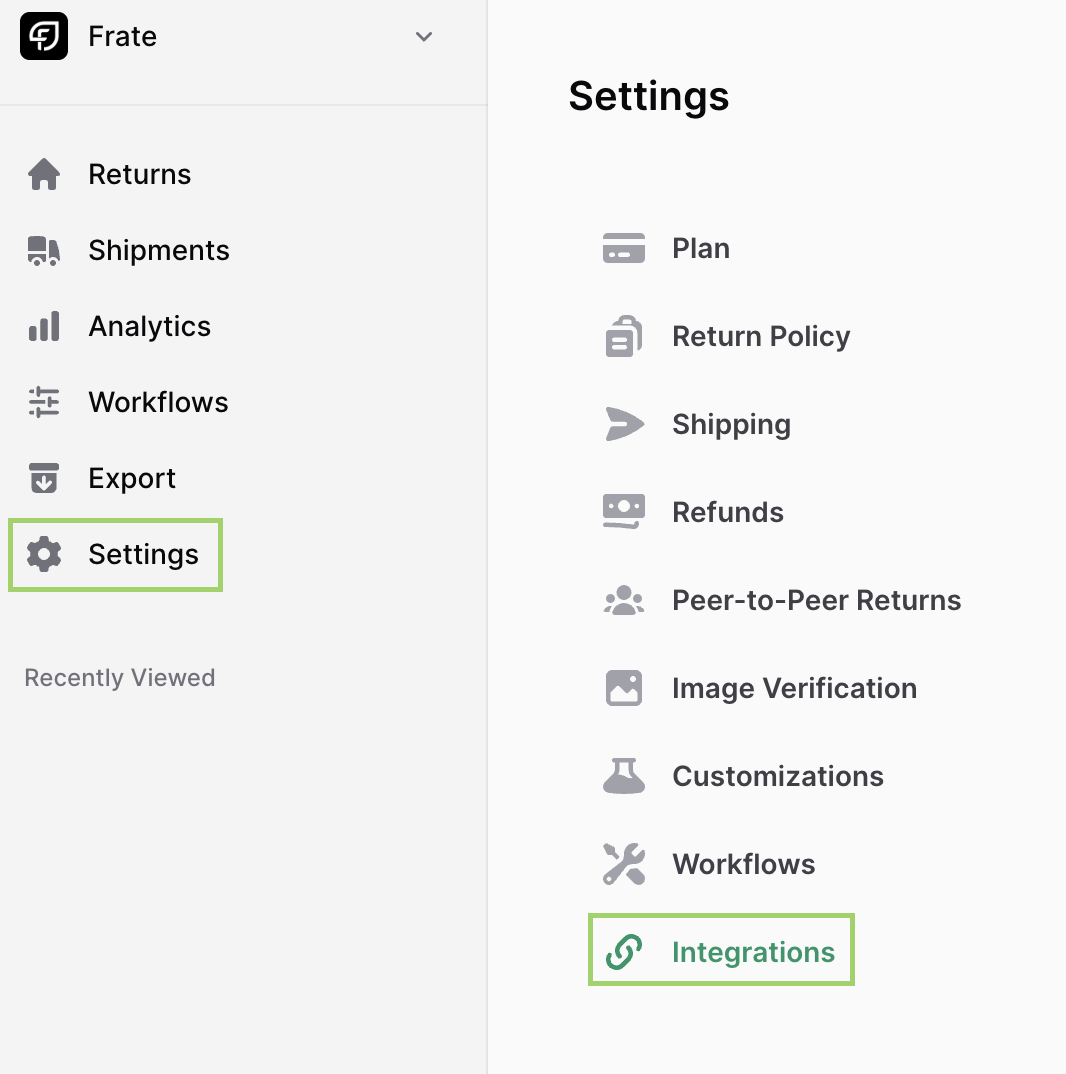
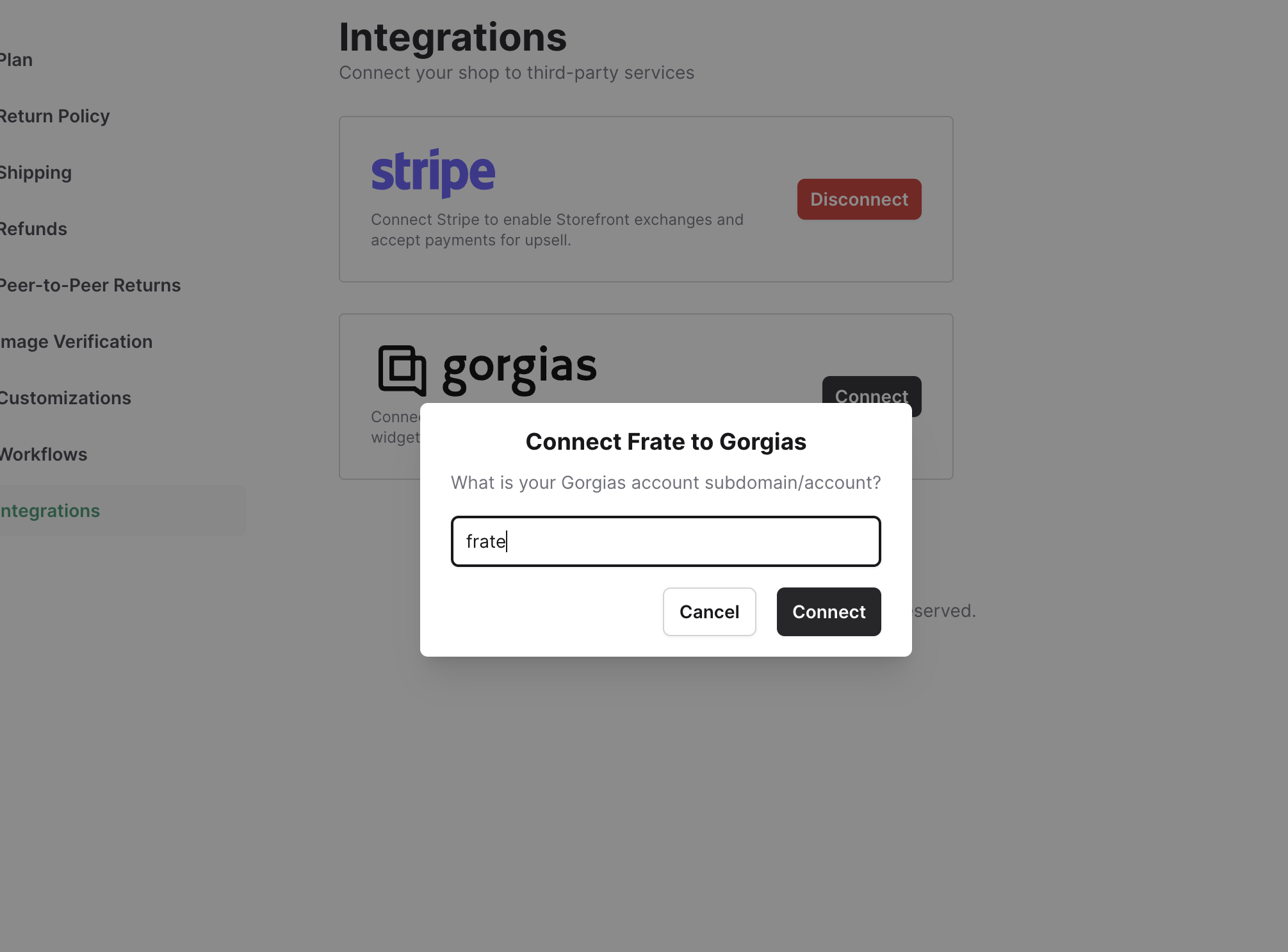
Click connect on Gorgias Integration and enter the Gorgias subdomain.
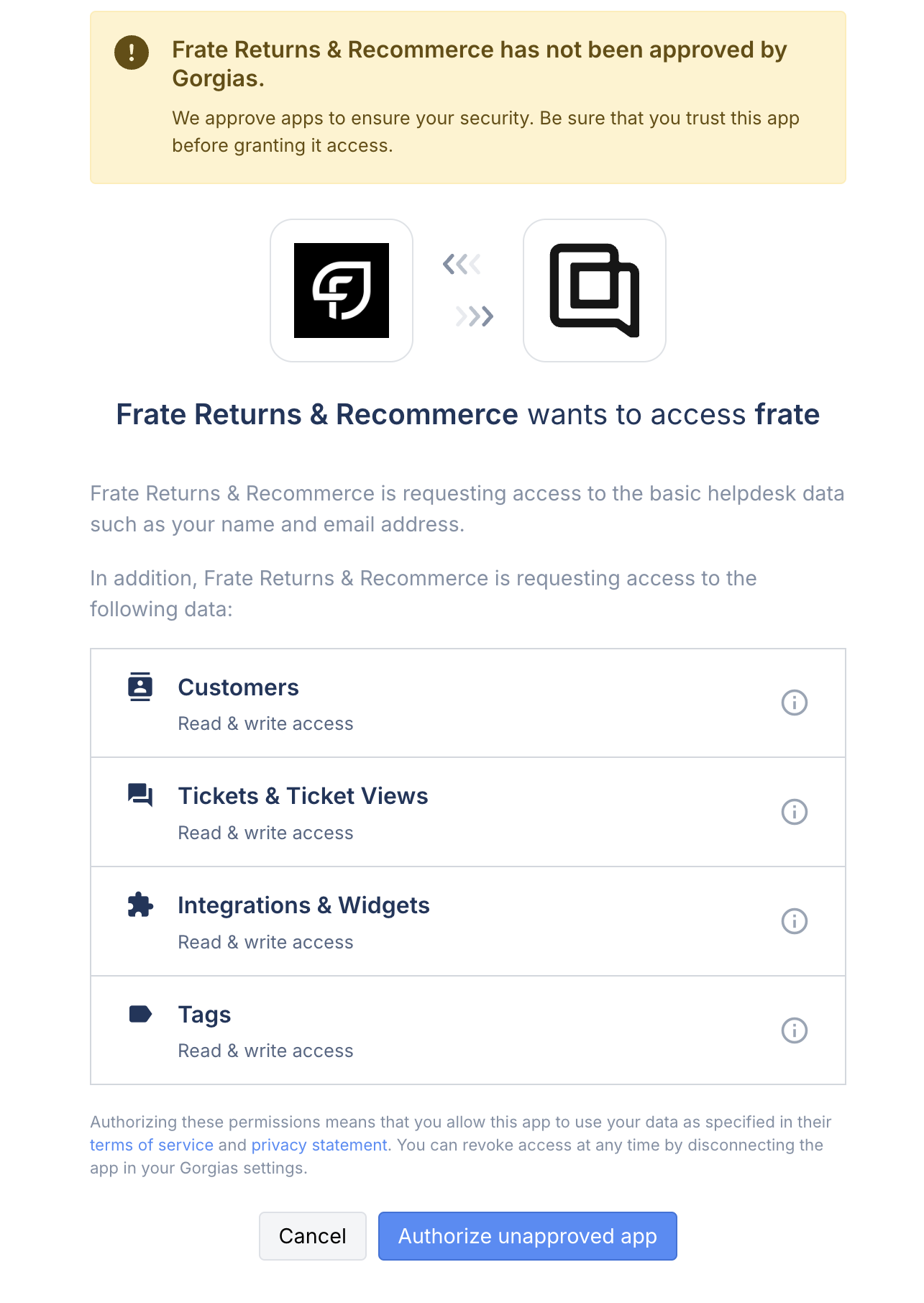
Approve permissions by clicking 'Authorize Unapproved App.'
You're now successfully connected!
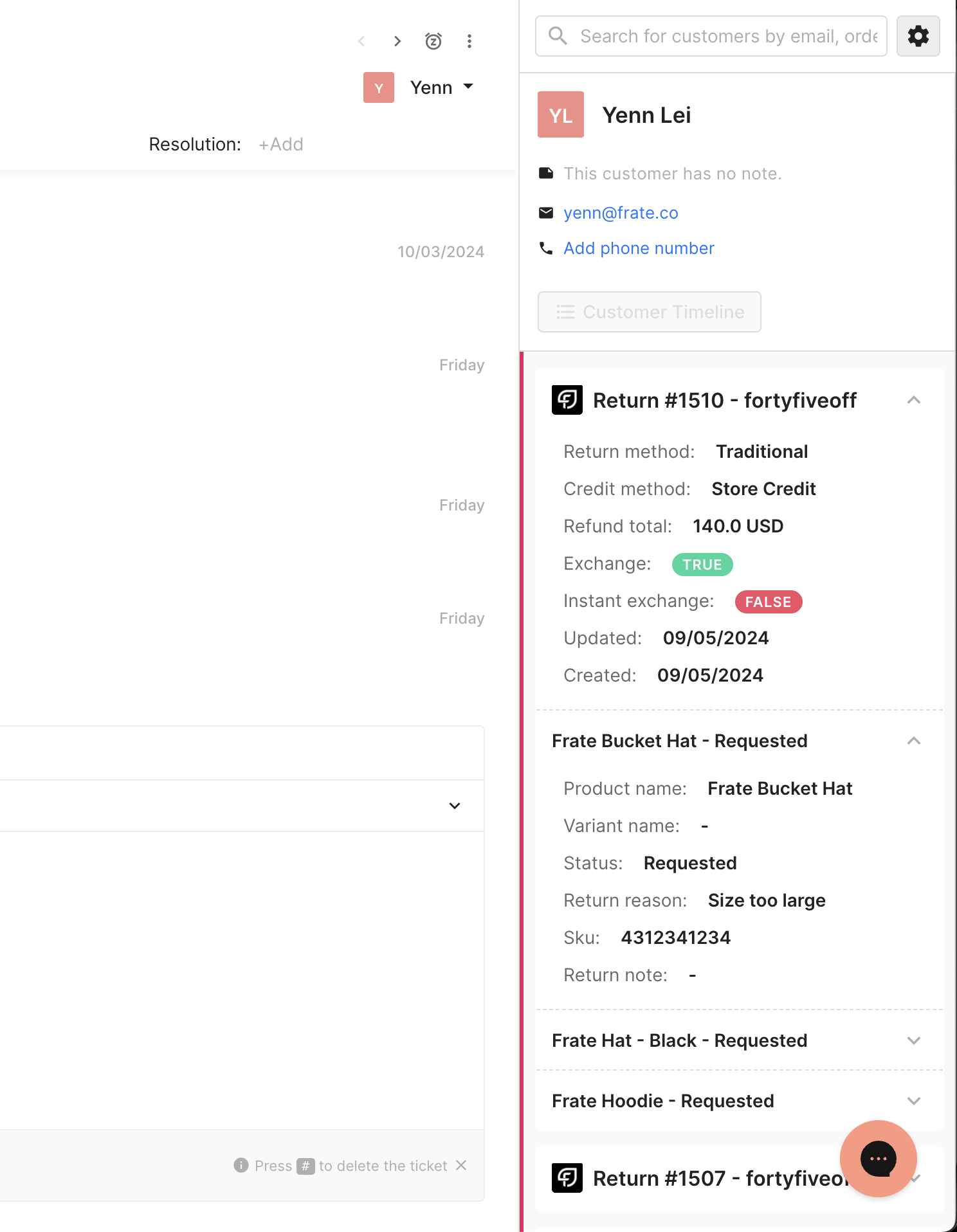
Integration Overview
Returns information relating to customer ticket email.
Disconnecting Integration
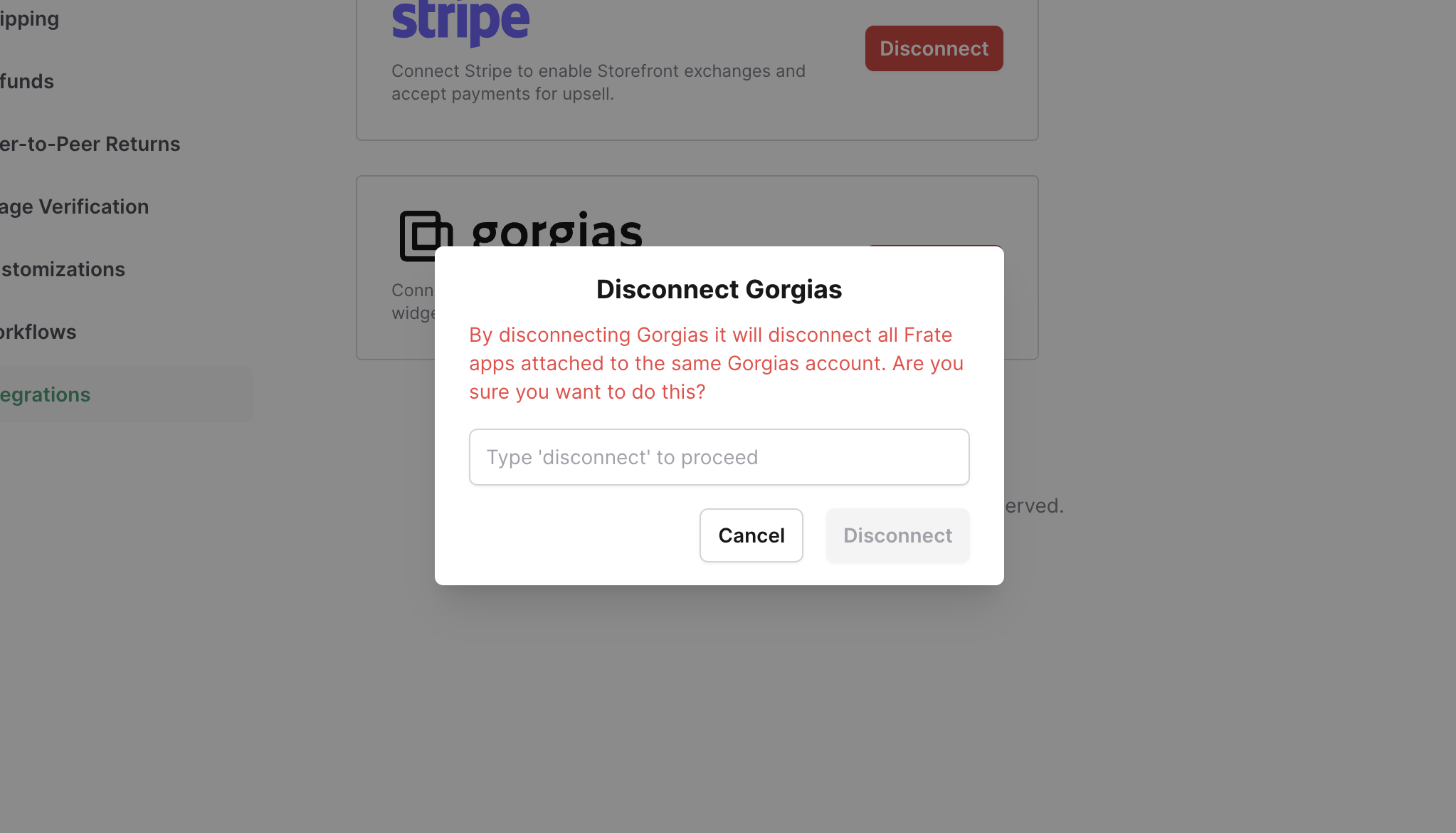
Click disconnect, and type disconnect into input, then submit.