When a customer does an Instant Exchange or Upsell Exchange, Route uses Stripe to authorize payment. You decide what happens next — capture, release, or refund.
Here are the possible states and what actions are available in each one.
1. Nothing Captured
What you’ll see:
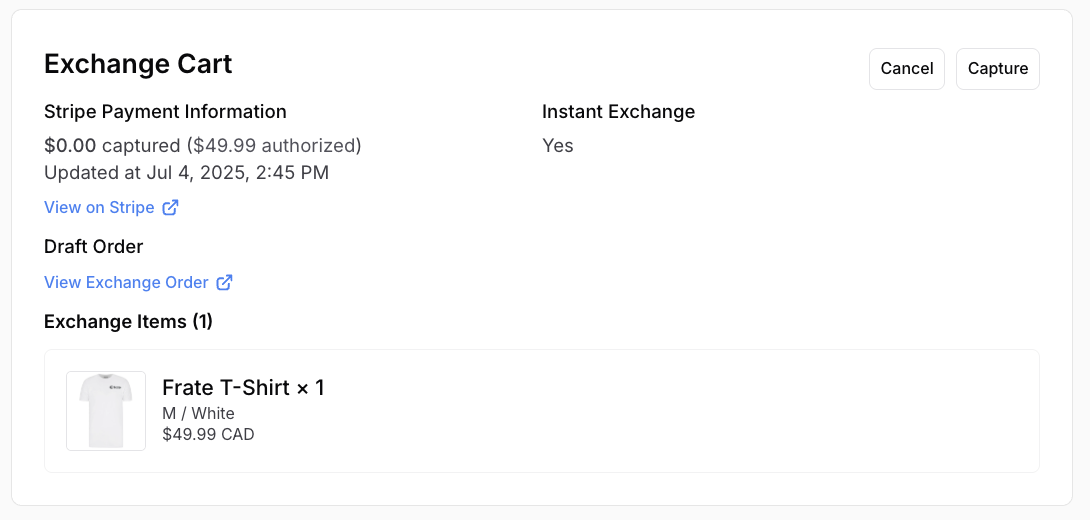
Available actions:
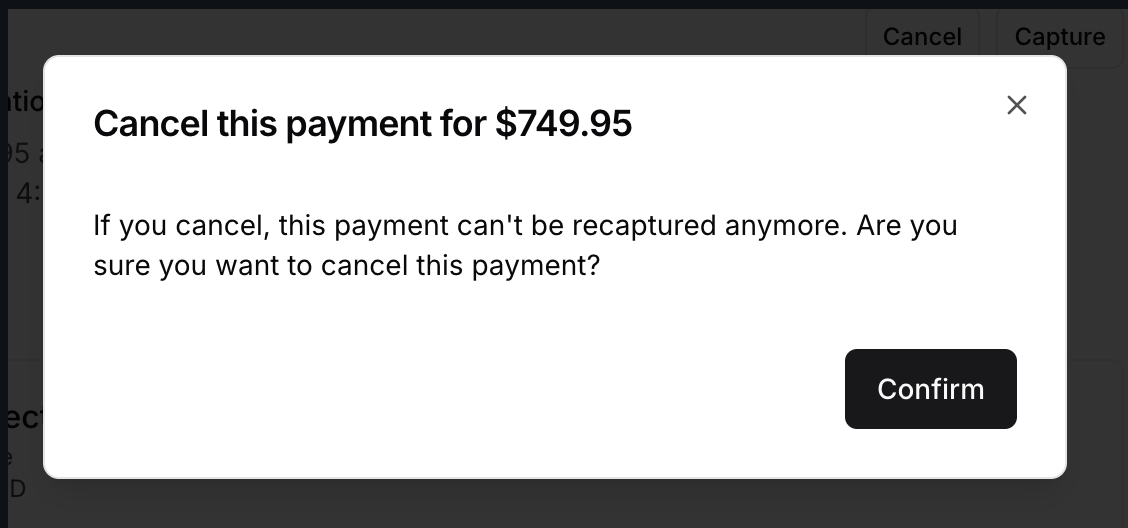
- Cancel → If you cancel, this payment can't be recaptured anymore.
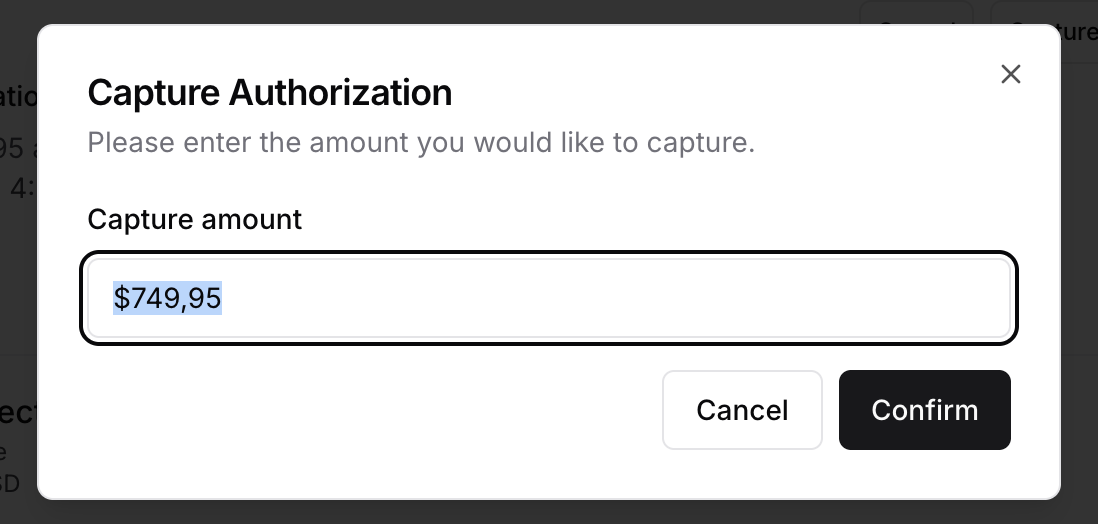
- Capture → Enter the amount you would like to capture (up to the full authorized amount).
2. Partially Captured
What you’ll see:
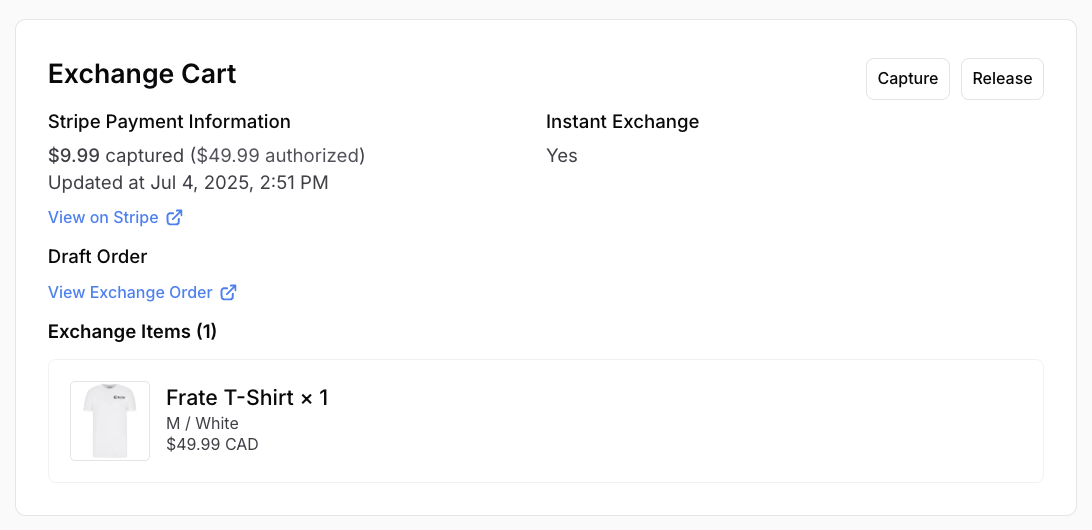
Available actions:
- Capture → Enter the amount you would like to capture (up to the full authorized amount).
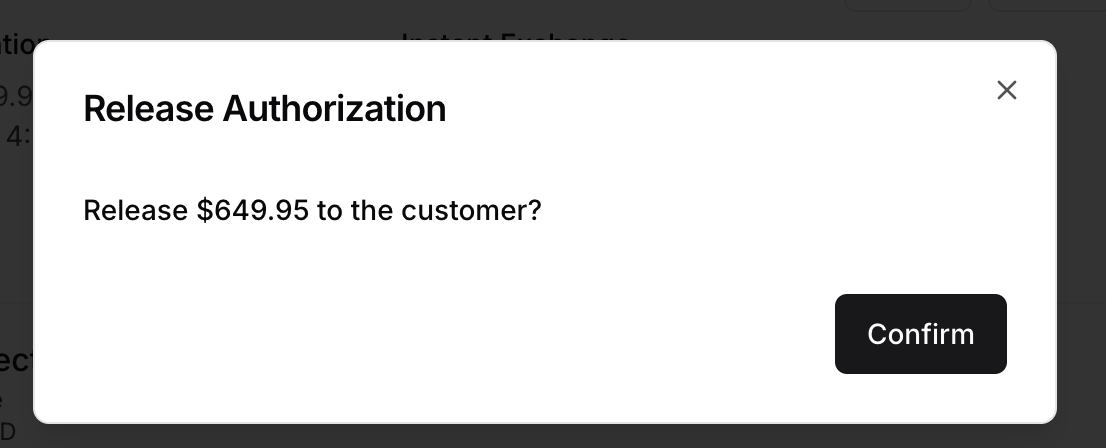
- Release → Cancel the remaining hold.
3. Fully Captured
What you’ll see:
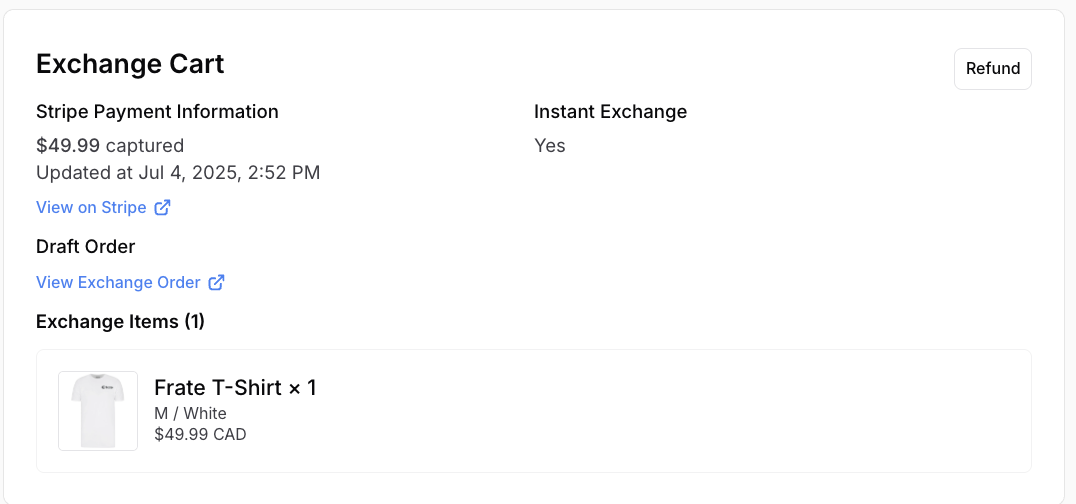
Available action:
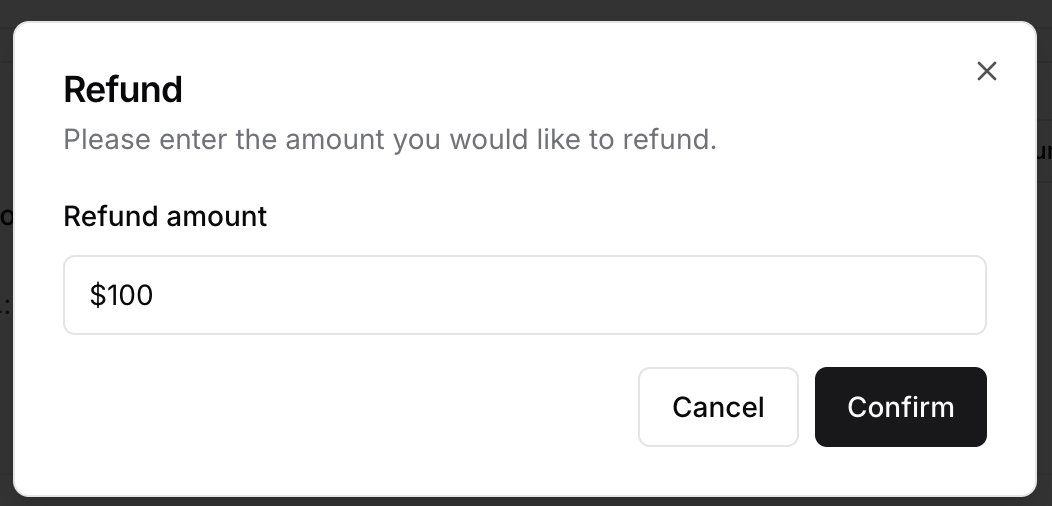
- Refund → Issue a full or partial refund.
4. Partially or Fully Refunded
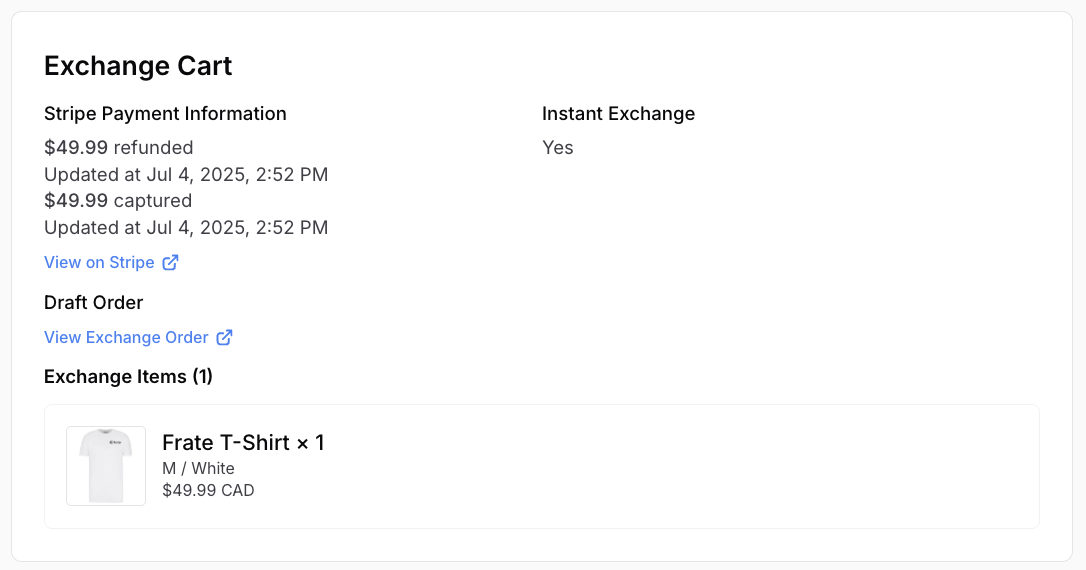
What you’ll see:
Available actions:
- None (after full refund).
- Payment history is visible for reference.